
Report Composer
The standalone Report Composer uses the same ordered-table editor as the Query and Report wizard. Add report sections from the stock, user, or project library, select a row to edit its settings, and duplicate, rename, remove, drag, or move sections with the arrow buttons.
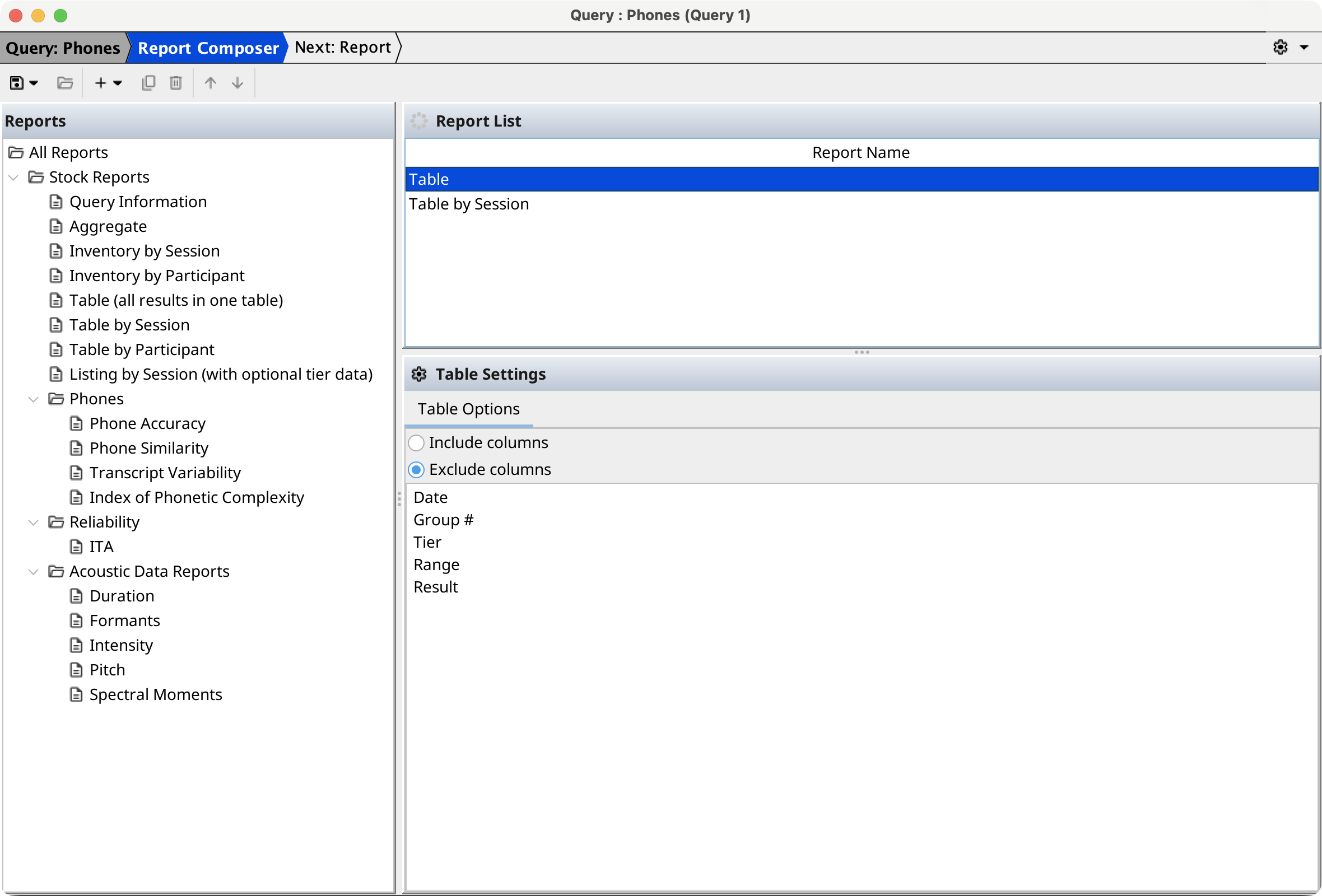
Save the report to project resources, the user library, or a chosen file. Open can load an existing report configuration. Select Run or press F7; if the composer was not opened for a particular query, select one of the currently open queries. The report wizard then lets you choose that query's result sets before generating the HTML report.
Select Open in Composer (advanced) only when you need to edit the underlying operation graph directly.