
Built-in Analyses
Built-in analyses combine a query, calculations, and a report for a particular research goal. Open an analysis from the Analyses menu or from the analysis library in a project window.
Analysis groups
- General measures
- Consistency Analysis, Consonants, Inter-transcriber Agreement, Measure of Cluster Proximity, Phonological Mean Length of Utterance, and Index of Phonetic Complexity.
- Inventories
- Phone Inventory counts phones and Word Inventory counts orthographic words in the selected data.
- Matches
- CV Pattern Match, Stress Match, Syllable Count Match, and Tier Match compare selected properties of paired target and actual data.
- Percent correct
- Percent Phones Correct, Percent Diacritics Correct, and Percent Number Tones Correct.
- Phonological processes
- Phonological Processes provides presets for coronal backing, deaffrication, deletion, devoicing, fricative stopping, glottalization, lateralization, liquid gliding and vocalization, velar fronting, and voicing, plus a custom process.
- Specialized analyses
- Multisyllabic Non-linear Analysis, Phone Clusters, Vocalization, Word Match, and Word-level Analysis of Polysyllables.
Run an analysis
Built-in analyses combine data selection, analysis, and reporting in one breadcrumb wizard. The exact option pages depend on the selected analysis.
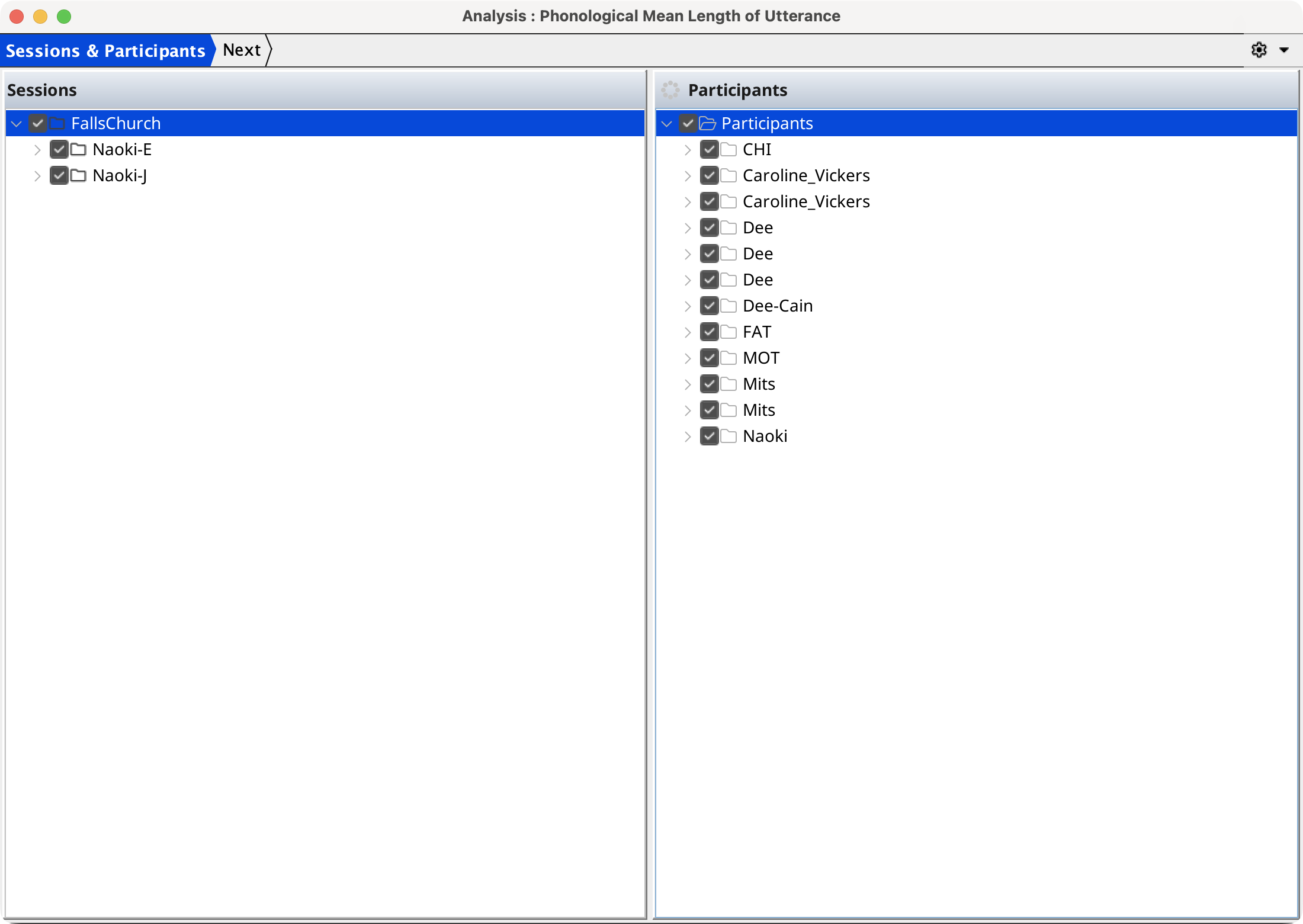
The wizard opens on the Sessions & Participants page. Check the sessions and participants to include, then select Next.
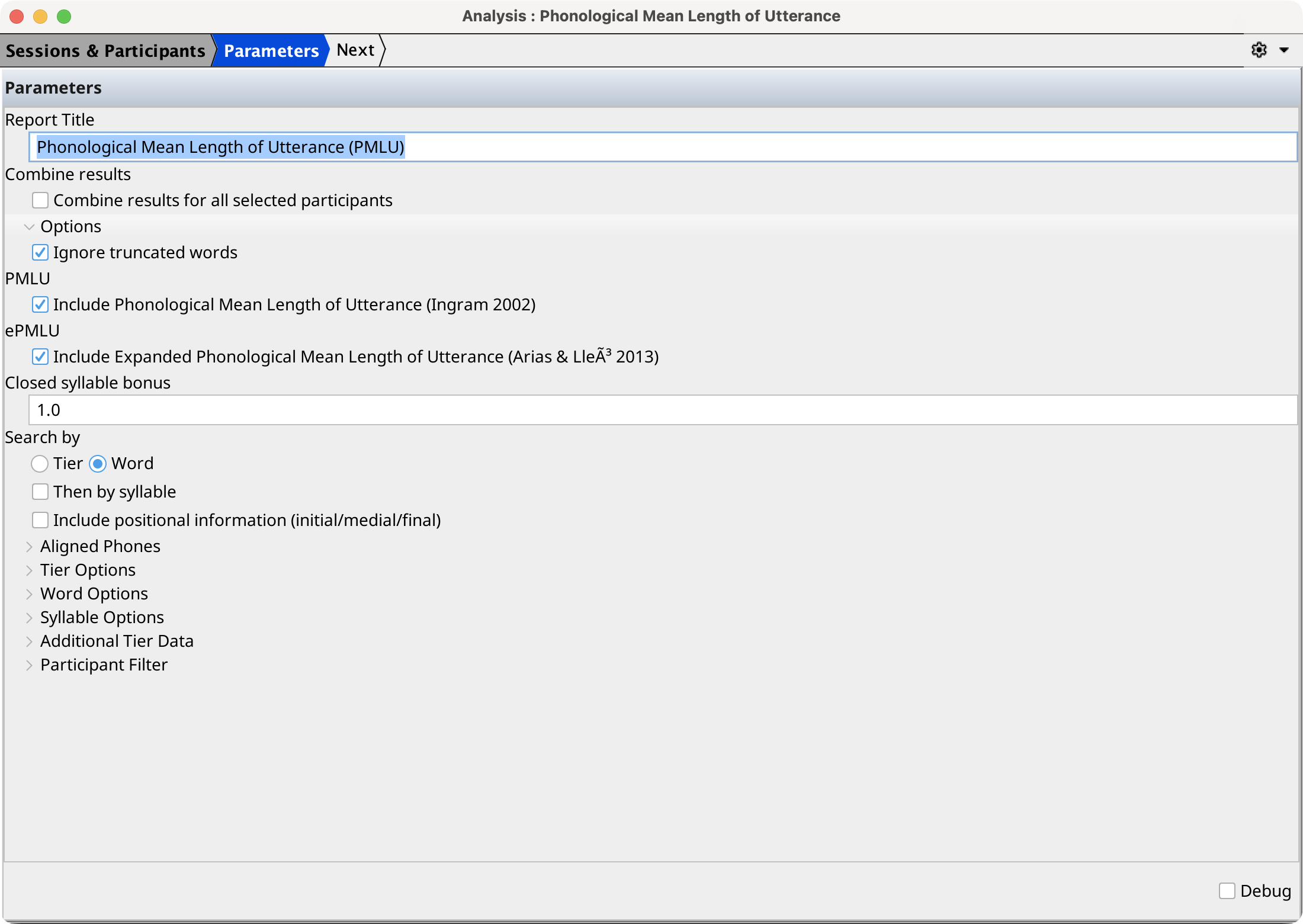
The Parameters page configures the settings specific to the selected analysis. Select Next to run it.
The Report page displays the generated report and any processing messages once the analysis completes.
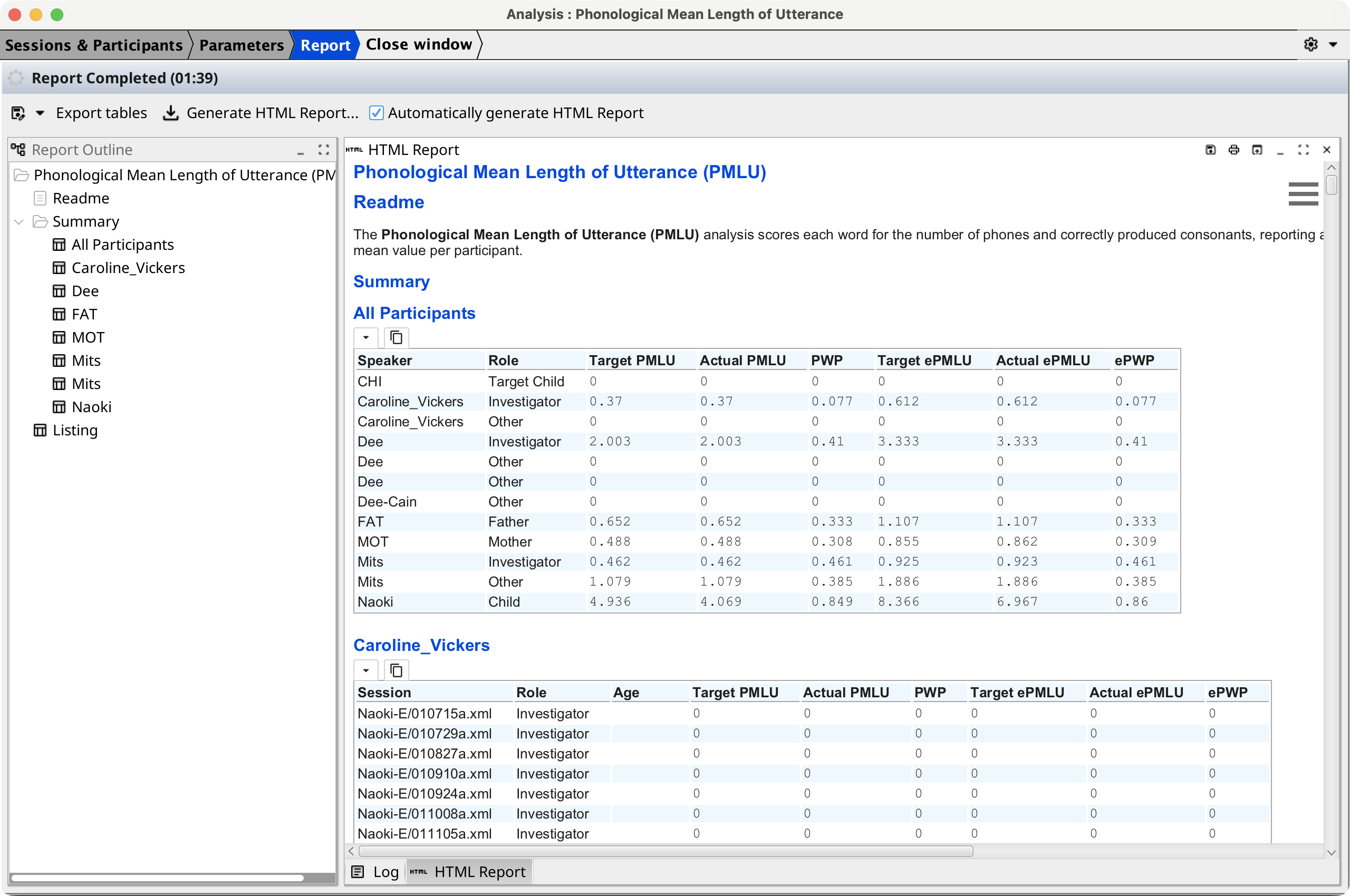
Use the report buffer toolbar or context menu to save the report as HTML or export its tables to CSV or a spreadsheet. To combine or customize analyses before running them, use the Analysis Composer.