
Script Editor
The Script Editor opens JavaScript and Groovy files stored in a project's Scripts section. In the Project Tree, double-click a script or select Open in Editor. Select Run Script to open the same window and begin execution immediately.
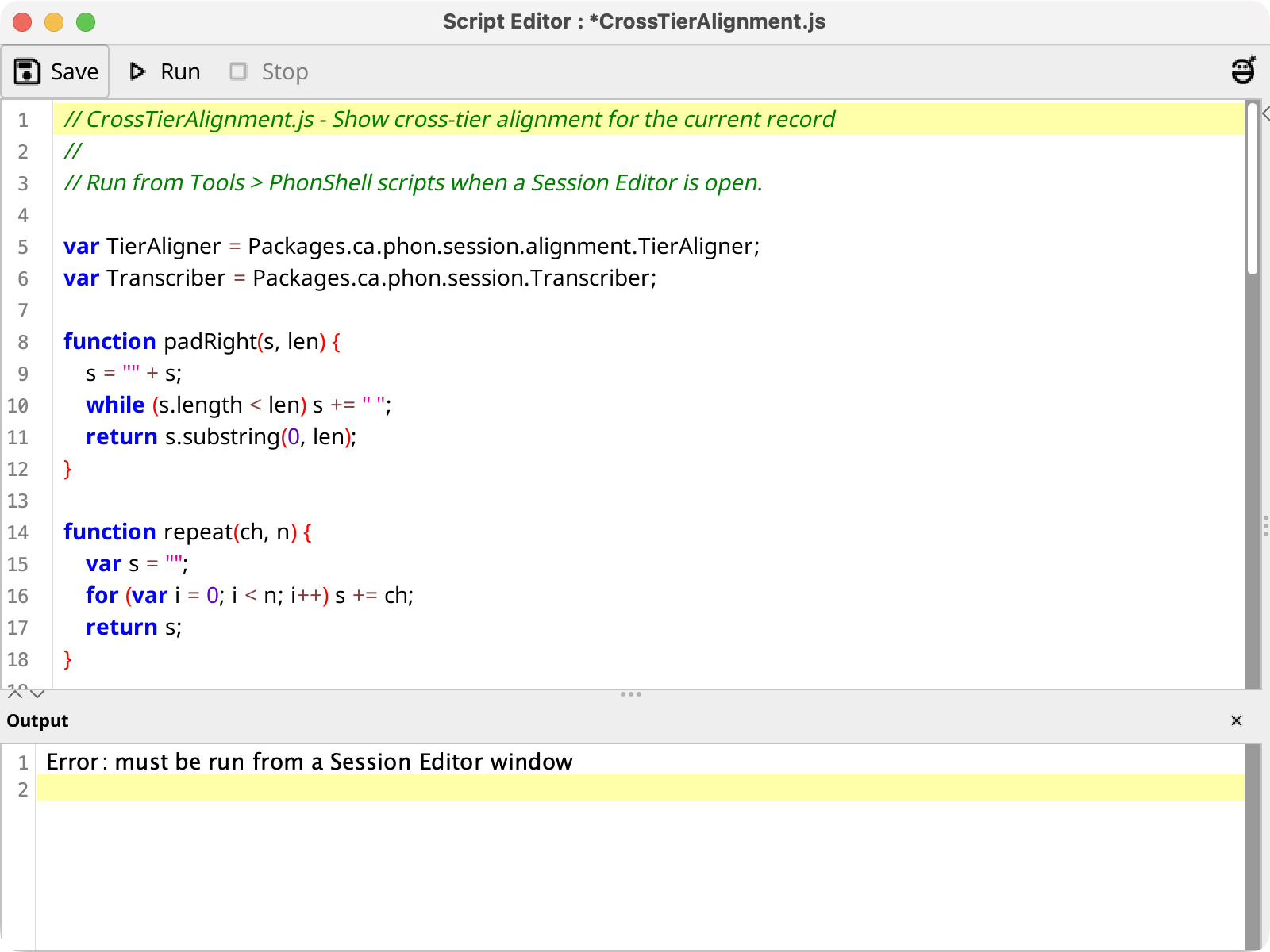
The editor provides syntax highlighting, code folding, and an unsaved-change marker in the window title. Select Save or press the platform menu shortcut plus S to write the UTF-8 script.
Select Run to save pending edits and execute the script in the background. Output appears in an embedded buffer below the editor; its controls can copy, save, or otherwise work with the output. The output is cleared before each run. Select Stop to cancel a running script, and use the close button in the Output header to hide the buffer.
Installed plug-ins may add a right-side assistant panel or inline completions. When present, the rightmost toolbar button and the shortcut shown in its tooltip toggle that panel.