
Advanced Operation-graph Composer
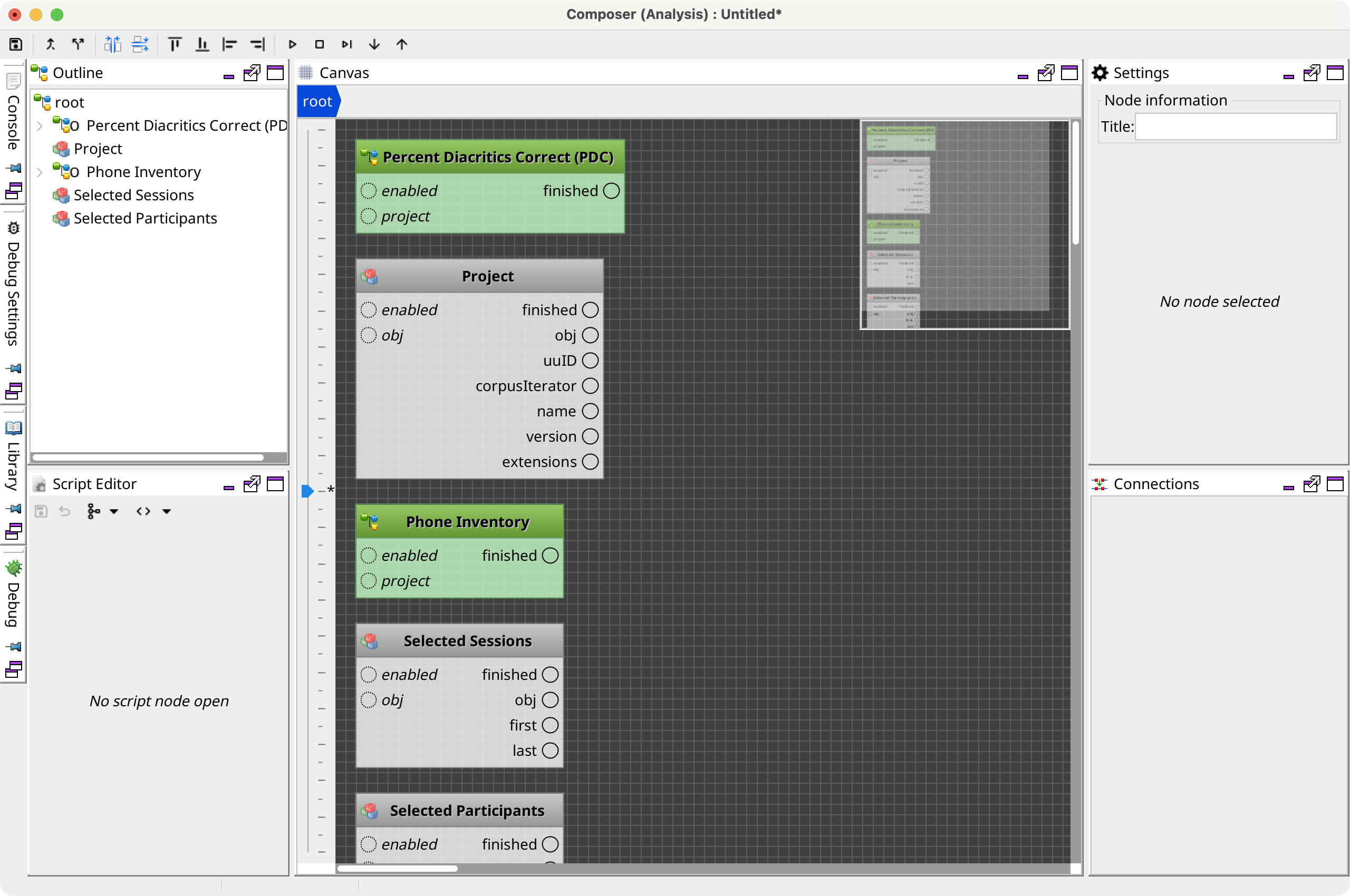
Select Open in Composer (advanced) from an Analysis or Report Composer to edit its operation graph. Phon also opens this window for supported operation-graph files.
The advanced composer exposes nodes, connections, node settings, scripts, variables, debugging, and report-template views. Use the library to add nodes, connect compatible inputs and outputs on the graph canvas, and select a node to edit its settings. The File menu creates, opens, saves, and tracks recent graph documents; run and debug controls execute or step through the graph.
Warning:
This view exposes implementation-level graph structure. Invalid
connections, scripts, or required-node changes can prevent an analysis or report from
running. Save a copy before editing an existing composition.