Manage Session Backups
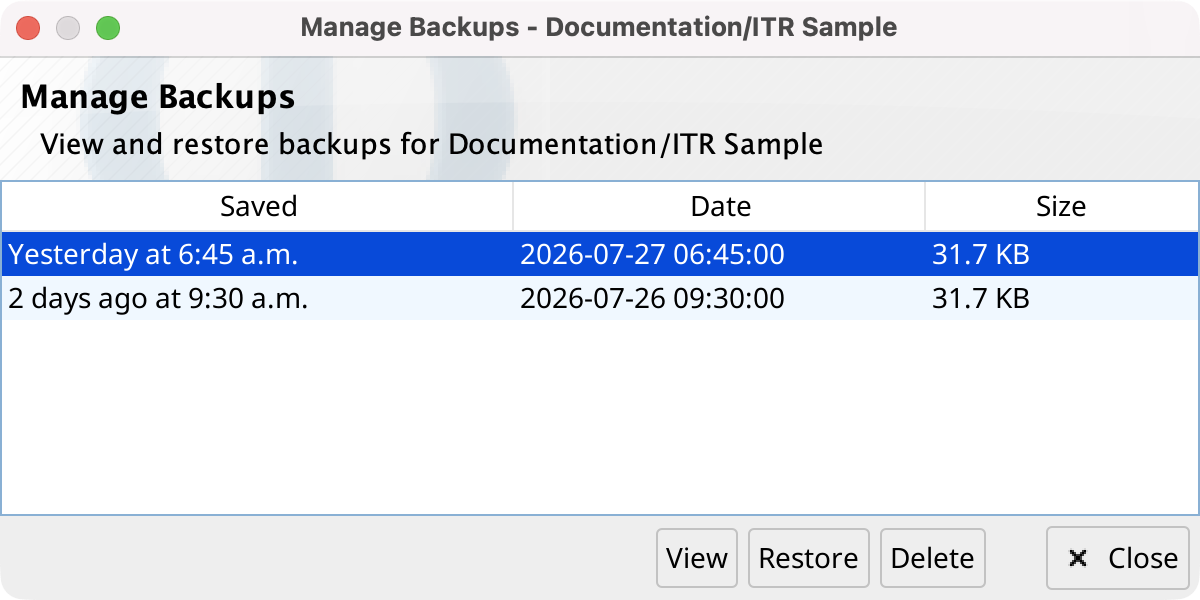
Select Manage backups... from a Project Manager action or a project-tree context menu. When a session is selected, the non-modal dialog shows only backups for that session; otherwise it shows the project's session backups.
The sortable table reports when each backup was saved, its date, and its size. Select a row and use one of these actions:
- View
- Opens the backup in a read-only Session Editor. Double-clicking a backup has the same effect.
- Restore
- Replaces the current session file after confirmation. Phon first saves a backup of that current file. Reopen the session to see the restored content.
- Delete
- Permanently removes the selected backup after confirmation.