Project Workflows
The classic Project Manager and Project Tree share the following commands in the Project menu.
Check sessions
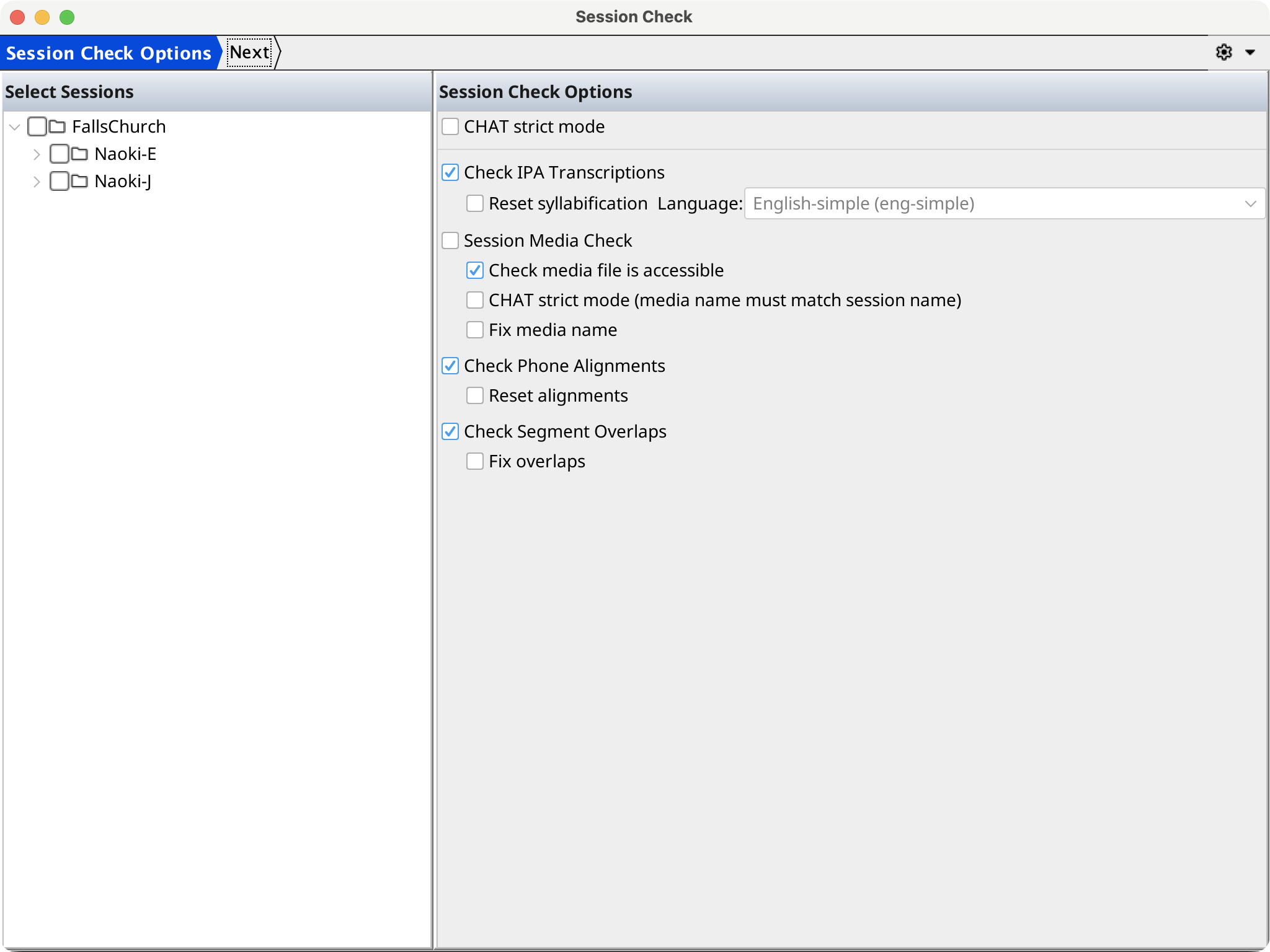
Select Check sessions..., select at least one session, and choose the checks to run. Available checks cover IPA transcript syntax and syllabification, phone alignment, overlapping segments for the same speaker, and session media. CHAT strict mode applies stricter CHAT rules to checks that support it.
The final page runs the checks and displays a report whose findings identify the session, record, tier, value, severity, and message. Options offered by a check can modify selected sessions—for example fixing overlaps or media names—so save or review important work first.
Anonymize participant information
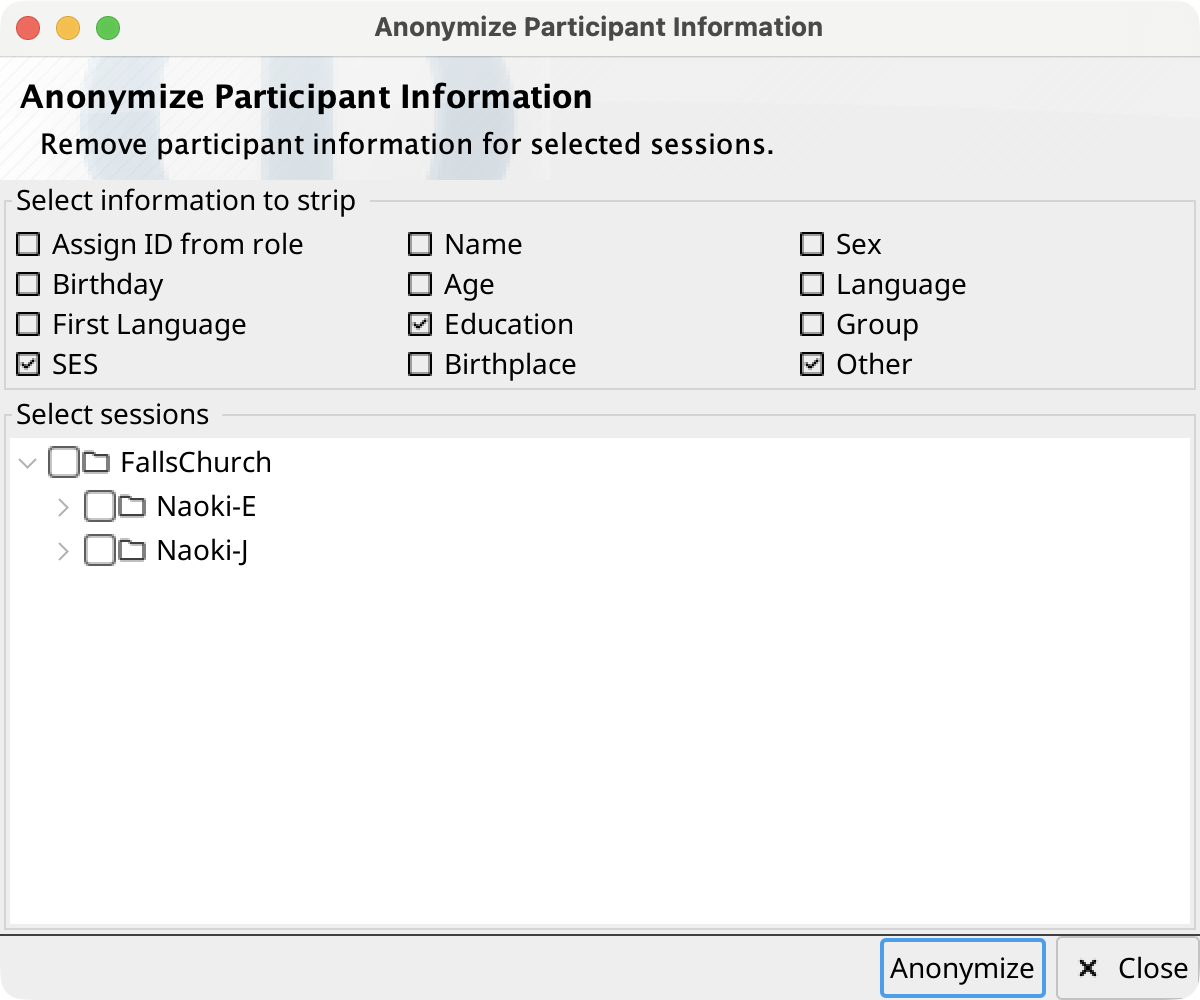
Select Anonymize participant information..., choose the fields to remove, and select the sessions to change. Available fields are participant ID (reassigned from role), name, sex, birthday, age, language, first language, education, group, SES, birthplace, and other information.
Publish a project copy
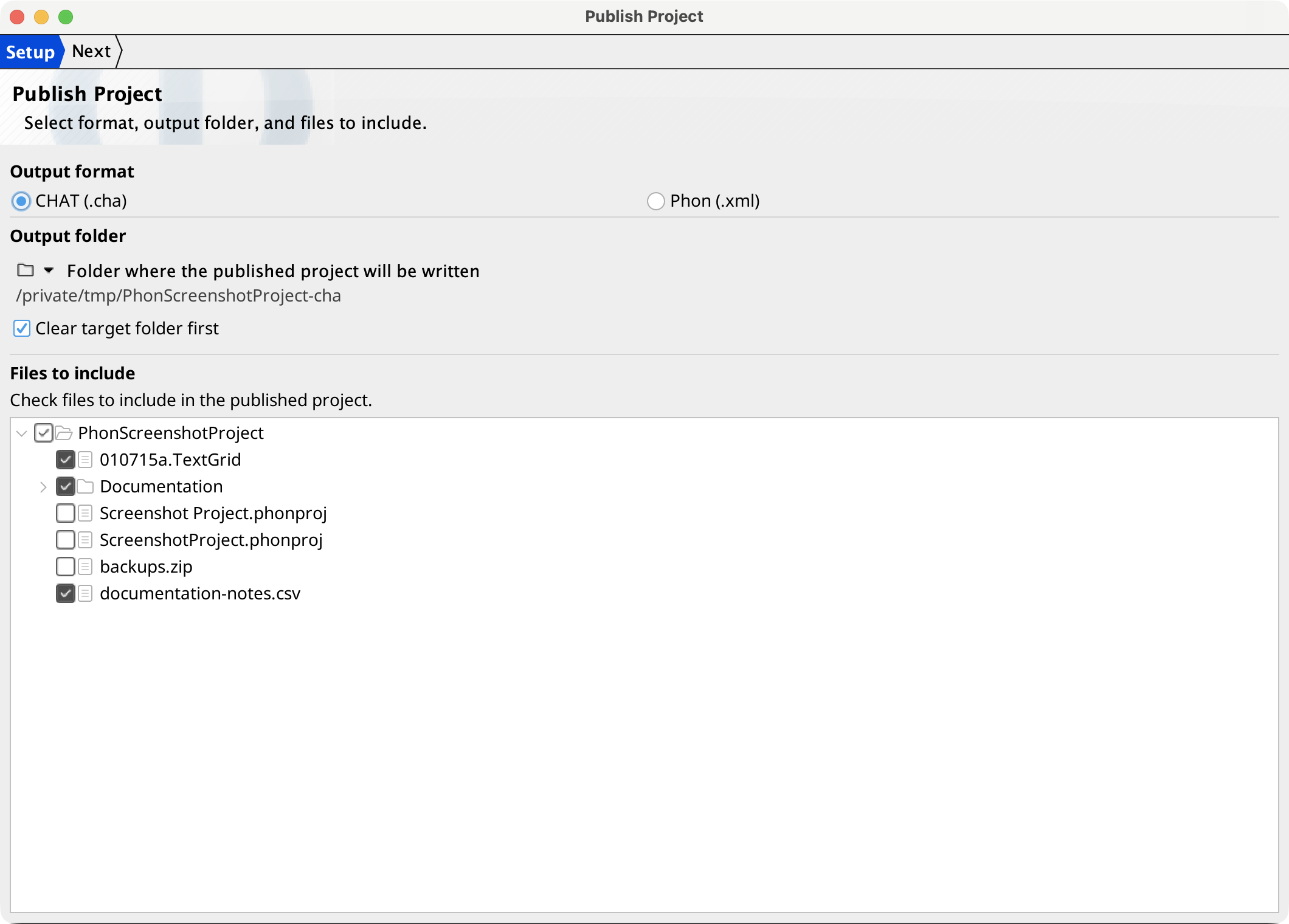
Select Publish... to create a clean CHAT or Phon copy.
- On Setup, select CHAT (.cha) or Phon (.xml), choose an output folder, decide whether to clear a non-empty target first, and check the project files to include. The target cannot be the source project or a folder inside it.
- On Settings, decide whether to drop per-transcriber blind values, which participant fields to anonymize, and which tiers to exclude. The validated tier values are preserved when blind values are dropped. Orthography cannot be excluded from CHAT output.
- On Run, handle any selected sessions with unsaved editor changes, then monitor per-file status, validation messages, and the log. The source project is not modified.
Derive a session
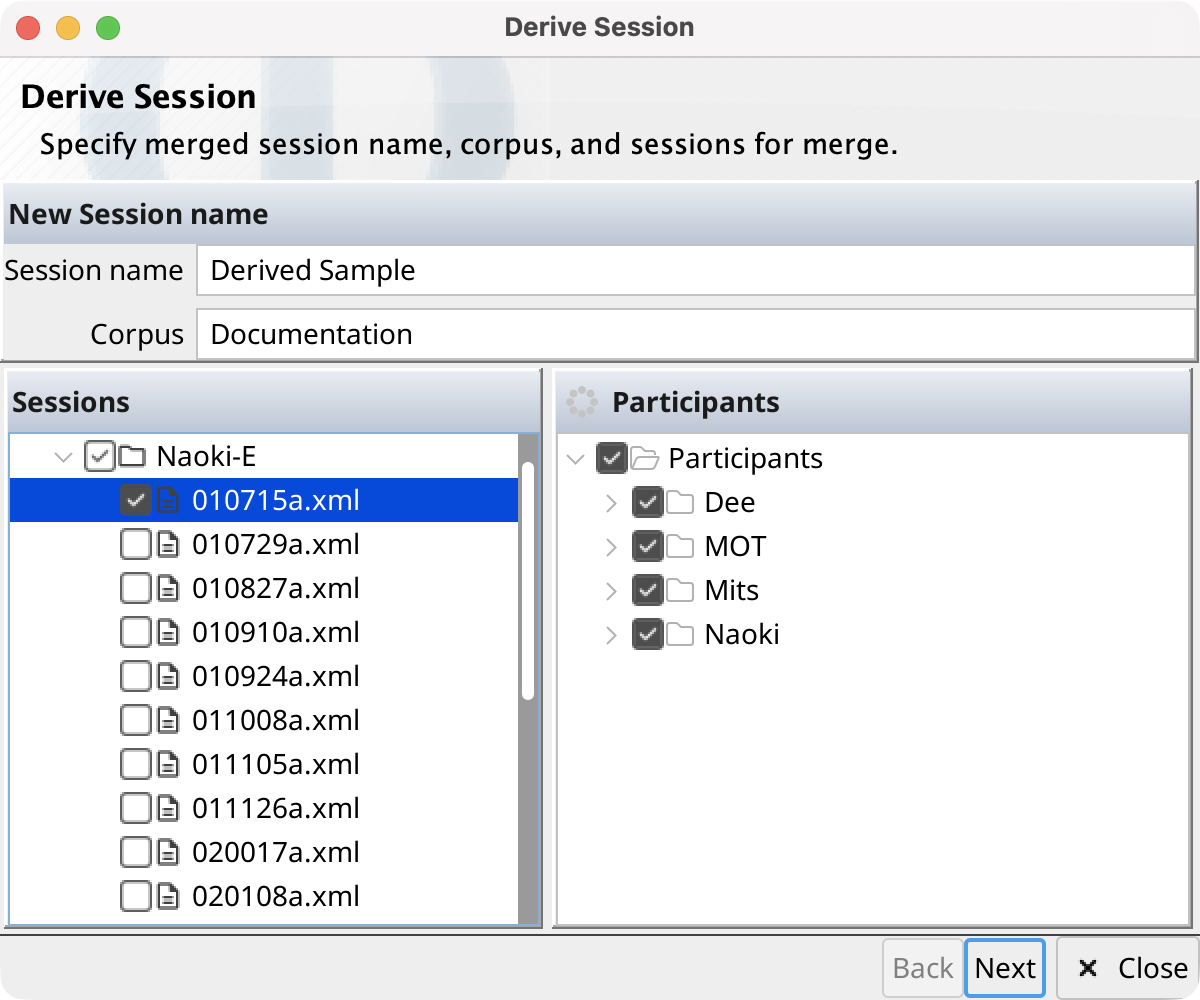
Select Derive session... to combine selected records into a new session. Enter the destination session and corpus, select one or more source sessions, and select at least one participant. For each source session, configure its record filter on the Select Records page.
Phon creates the destination corpus when needed and writes the new session after the merge. Source sessions are processed in sorted order. Matching source media is retained; conflicting media locations leave the new media field blank. The progress page reports creation, merge, and save operations.
Team and Git commands
If the project is not a Git repository, creates one. A Git project instead provides Commit, Pull, and Push.
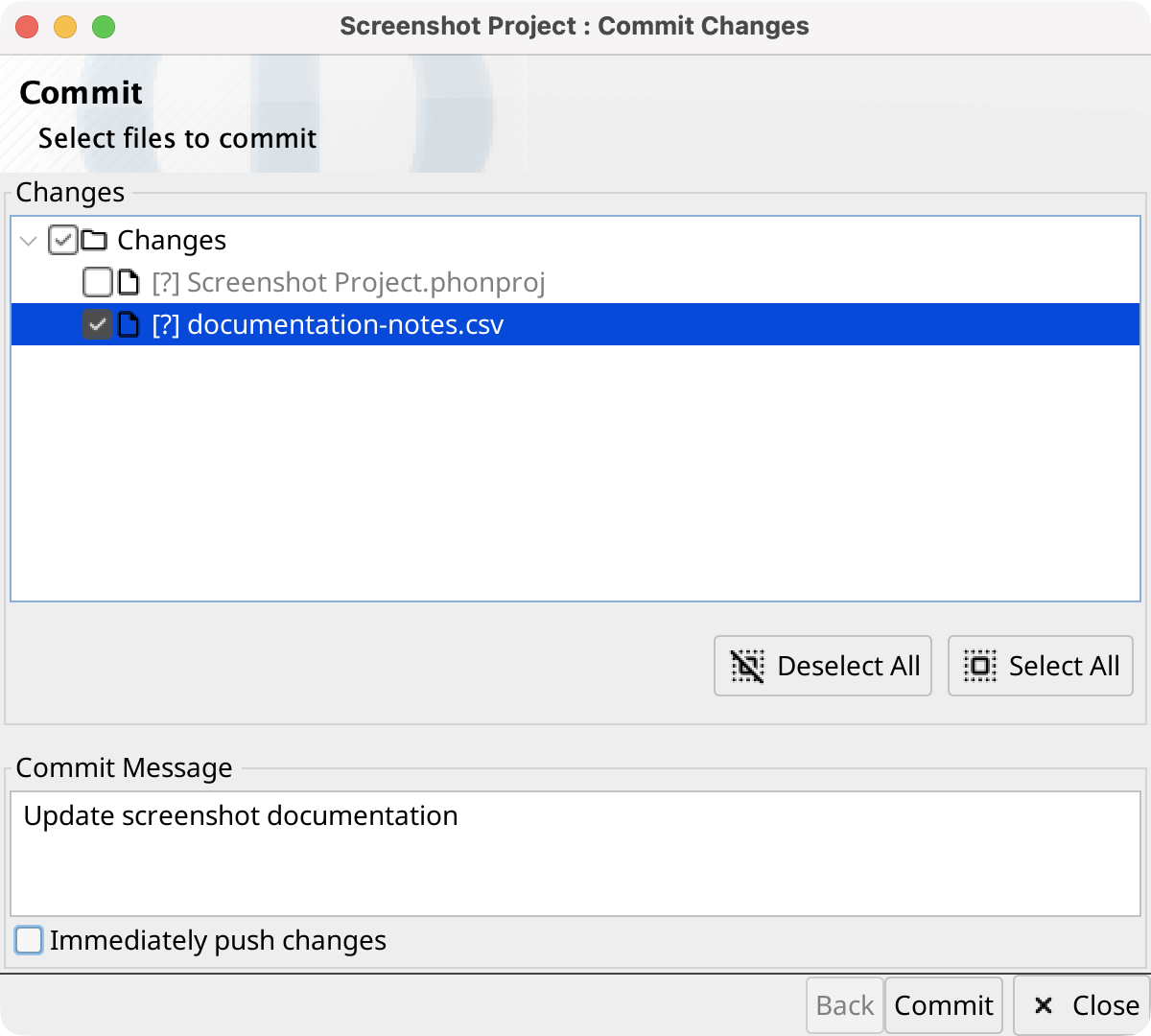
The Commit wizard lists changed files with their Git status. Already staged files are initially selected; use the tree or Select/Deselect All controls to choose the next commit. Enter a required message and optionally enable Immediately push changes. Selecting Commit stages exactly the checked files, creates the commit in the background, optionally pushes it, and shows progress on the second page.
Manage project participants and transcribers
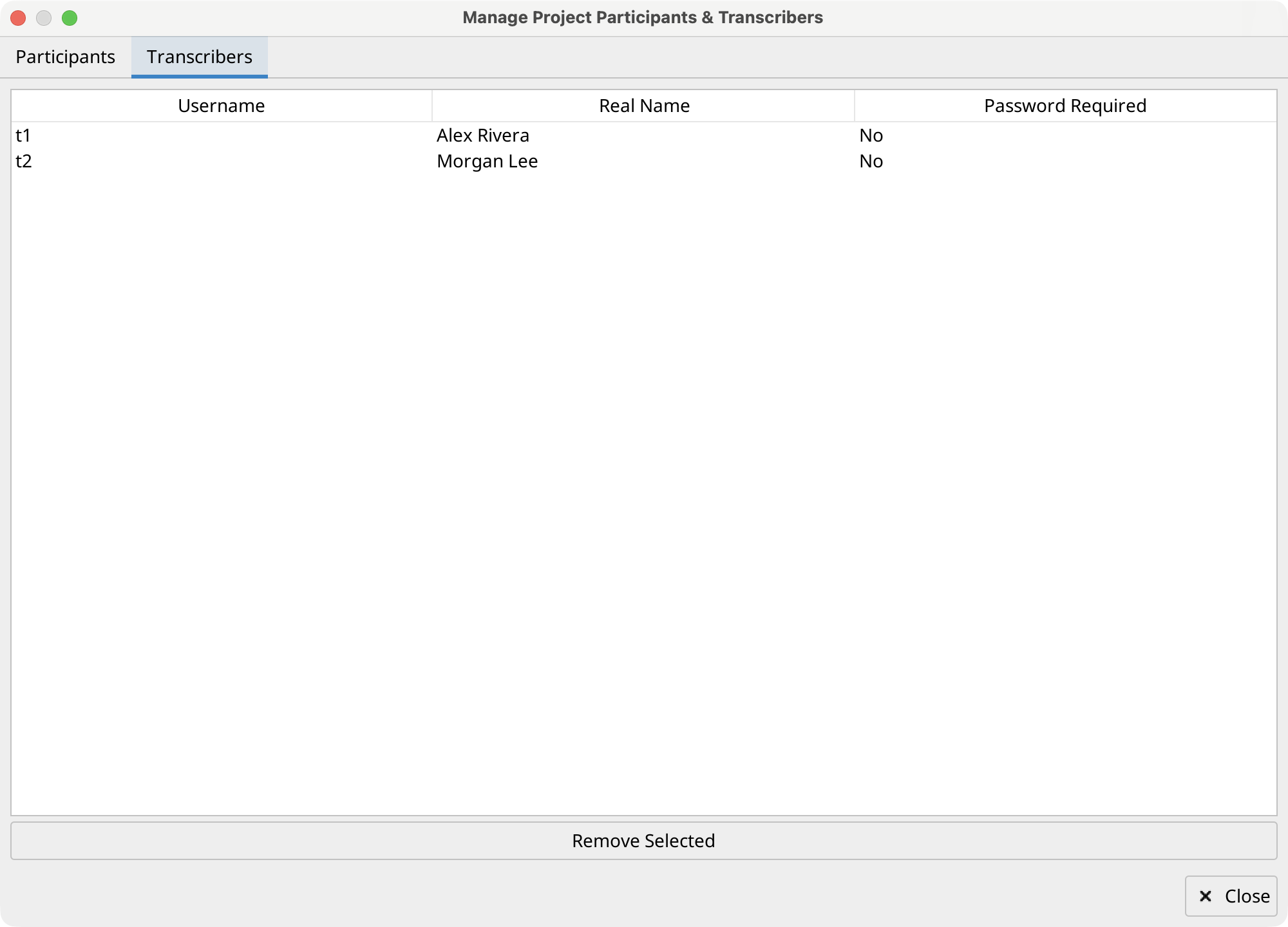
In the Project Tree, select Manage Participants & Transcribers.... The Participants tab lists reusable ID, name, role, sex, birthday, and language values. The Transcribers tab lists reusable username, real name, and password-required status.
Select one or more rows and choose Remove Selected to remove them from the project-level list after confirmation. This does not remove or change participants or blind transcribers already stored in sessions.