
Media Player
The Media Player view controls the audio or video assigned to the current session. Select its button in the left view strip or press the platform menu shortcut plus 4. In embedded mode, its controls appear below the Transcript.
If the session media cannot be found, the view offers to assign a media file.
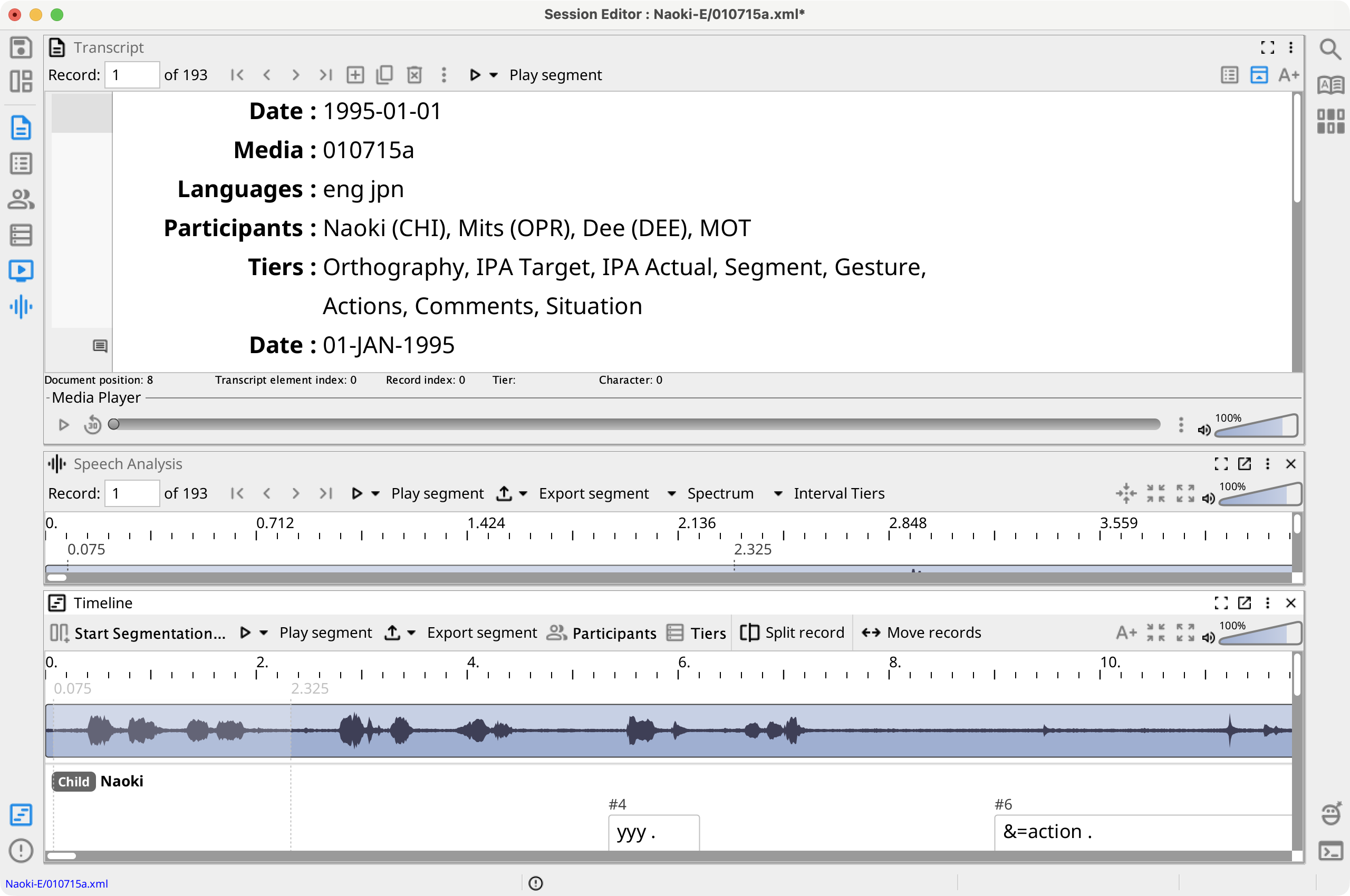
Playback Controls
- Play/Pause — Start or pause continuous playback.
- Replay 30 — Move back 30 seconds.
- Position — Drag to seek; the slider displays the current and total media times.
- Menu — Open the Media Player commands.
- Volume — Adjust playback volume.
By default, selecting another record moves the player to the start of that record's Segment, provided playback is stopped. Toggle Move media position with record in the menu to change this behavior.
Media Player Menu
The menu can assign or unassign session media, show media information, set volume and playback rate, play or export common segment ranges, and take a video snapshot. Its navigation commands can go to an entered time, the end of all segmented media, or the end of the last segment for a selected participant.
Select Open Media Player in new window to move the view into an always-on-top accessory window. Select Switch to embedded Media Player to return it below the Transcript.
Video Display
In embedded mode, Show video displays a video overlay near the lower-right of the Transcript. Drag the overlay to move it and drag its edge to resize it. The menu can reset its size or position; the close control hides the video without closing the playback controls.
In the external Media Player window, video is displayed within that window and can also be shown or hidden from the menu. Video position, size, visibility, playback rate, and embedded/external state are saved with the editor layout.