
MCP Server
Phon can run an embedded Model Context Protocol (MCP) server that exposes Schwa's AI tools to external MCP clients such as Claude Code, Claude Desktop, Cursor, VS Code, Gemini CLI, and OpenCode. A connected client can read and edit open sessions, run queries and analyses, work with media and speech analysis, and test phonex expressions in the running Phon application.
The server accepts connections from this computer only (address
127.0.0.1), and every request must include an access token. It is
separate from Schwa's own outbound MCP connections, which are configured with
Edit MCP configuration... in the Schwa menu.
Start and stop the server
The server does not run by default. Start or stop it in either of these places:
In a Session Editor, select or Stop MCP server.
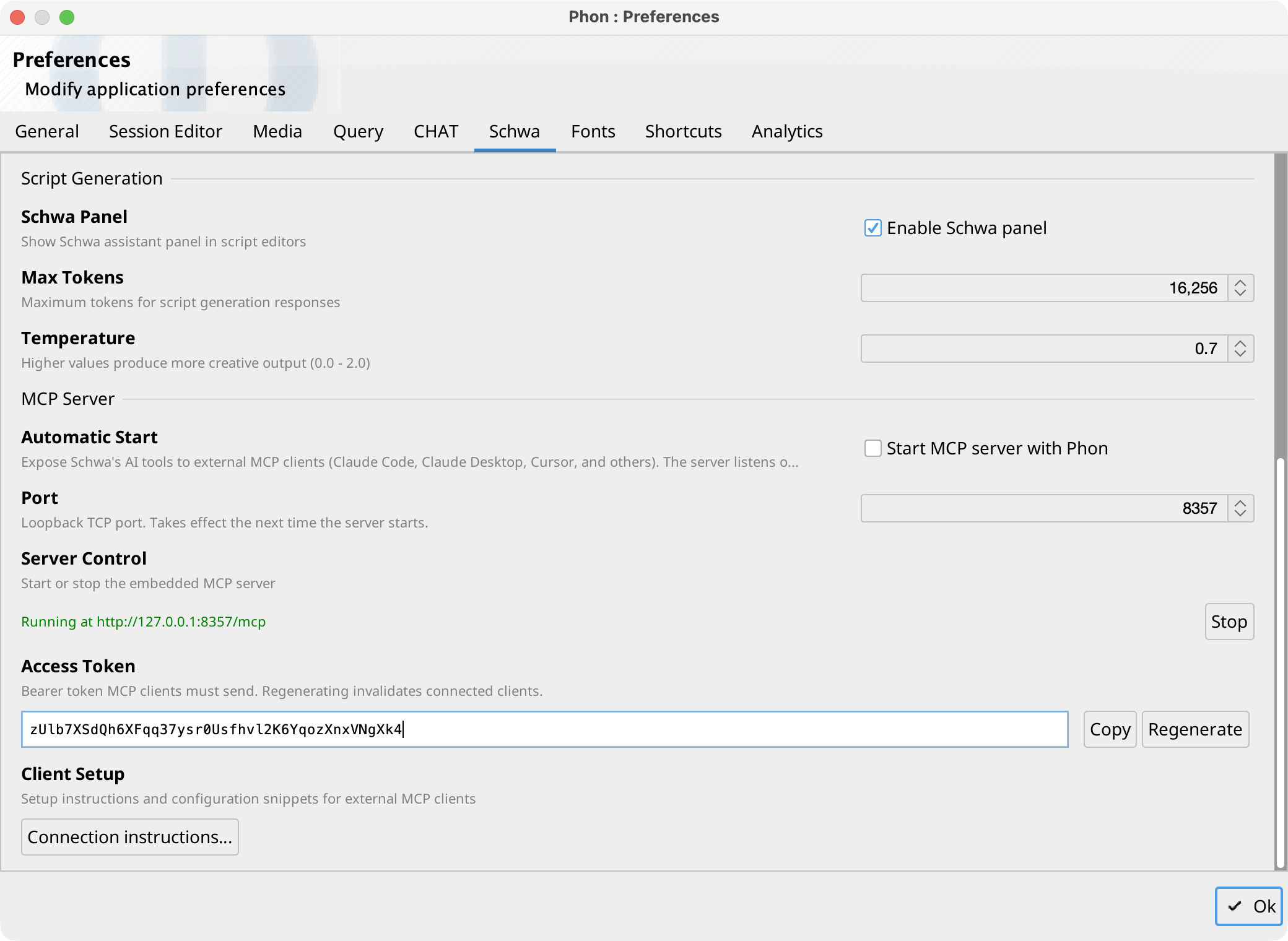
On the Schwa Preferences tab, use the Server Control row under MCP Server. The status line shows the endpoint URL while the server is running.
Enable Start MCP server with Phon to start the server
automatically when the application launches. The server listens on the configured
Port (default 8357); a port change takes
effect the next time the server starts. If the port is already in use, the server
reports the failure and remains stopped.
Access token
Requests are authenticated with a bearer token that Phon generates automatically. The Access Token row on the Schwa Preferences tab shows the token with Copy and Regenerate buttons. Regenerating invalidates configured clients, which must be updated with the new token; a running server keeps the old token until it is restarted.
Connect an external client
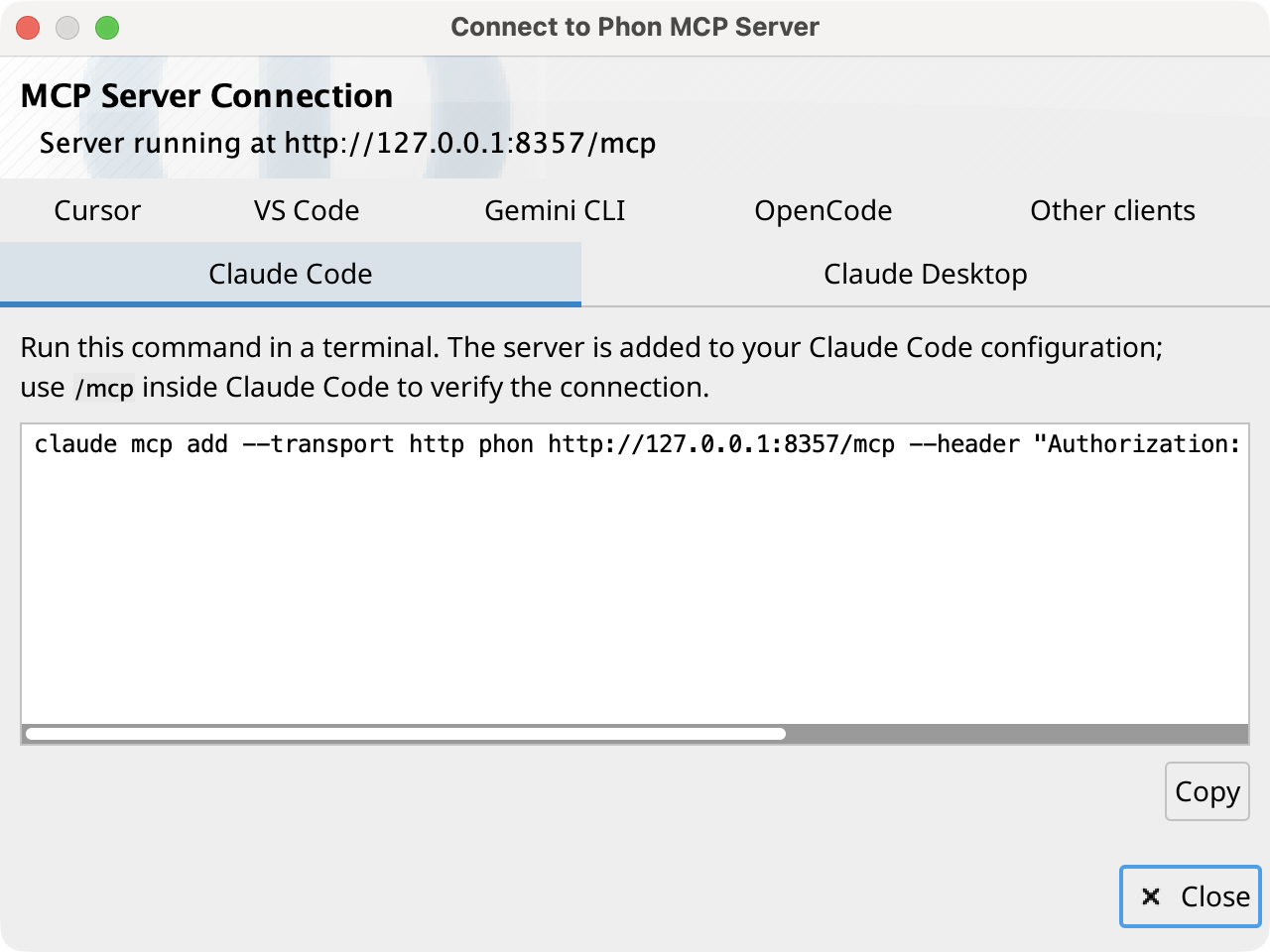
Select , or Connection instructions... on the Schwa Preferences tab, to open the Connect to Phon MCP Server dialog. Each tab holds setup instructions and a copyable configuration snippet for one client: Claude Code, Claude Desktop, Cursor, VS Code, Gemini CLI, and OpenCode. Snippets already include the endpoint URL and the current access token.
For any other client, the Other clients tab lists the values
to enter manually: the Streamable HTTP transport, the endpoint URL, and the
Authorization header.
Tools and session targeting
The server publishes Schwa's tool set: documentation search, project and session inspection, phonex compilation and testing, record reading and editing, find and replace, queries, analyses, media and speech analysis, and timeline actions.
Most tools operate on a session editor window open in Phon. The
list_open_editors tool lists open editors with an id
(#1, #2, ...) and a
corpus/session path. Other tools accept either form in an
optional session parameter; when it is omitted, the focused (or
only open) session editor is used.
Changes made through the server are grouped into single undoable edits in the target editor's history. A tool call that runs longer than two minutes is cancelled and reported to the client as an error.